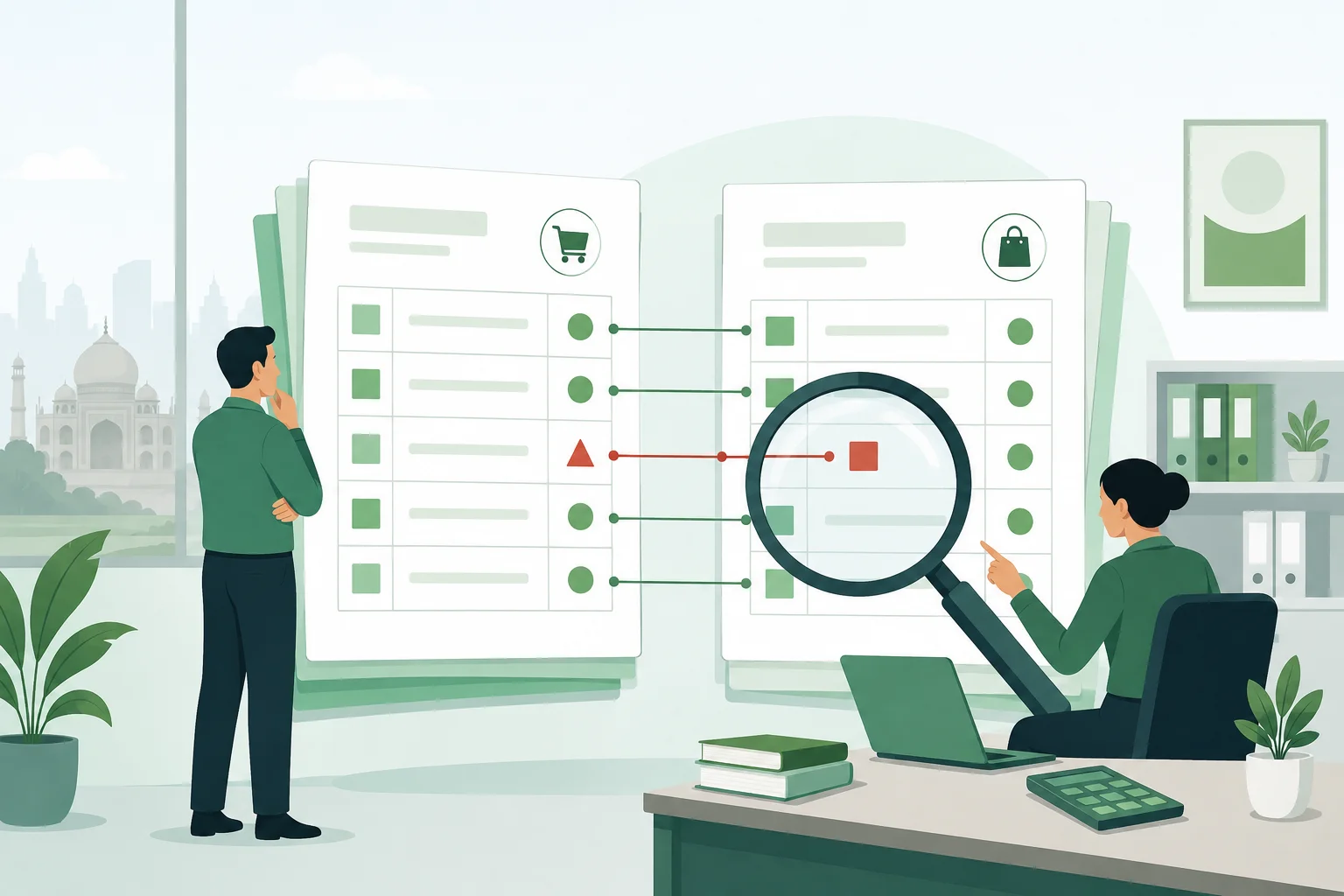
If the TDS credit in your books does not match what the income tax department shows, you can end up with a lower refund, an unexpected tax demand or a notice. The fix is to reconcile Form 26AS, the Annual Information Statement (AIS) and your own ledgers before you file your return. This guide shows a simple way to reconcile Form 26AS, AIS and your books for your income tax return, step by step.
It is general guidance for Indian small businesses and professionals. Confirm specifics for your case with your chartered accountant.
What each statement tells you
Three sources matter when you check TDS credit. They are built differently, so they will not always agree.
- Form 26AS is your tax credit statement on the income tax portal. It shows tax deducted or collected at source (TDS/TCS) reported by deductors, advance tax and self-assessment tax paid, and some other transactions.
- AIS (Annual Information Statement) is a wider view. Besides TDS and TCS, it can show information such as interest, dividends, securities and property transactions and GST turnover data, as reported by various sources. The Taxpayer Information Summary (TIS) is the condensed version.
- Your books show what you actually invoiced, received and what the customer told you they deducted. Your TDS receivable ledger should tie back to the other two.
Download the latest versions from the income tax e-filing portal (incometax.gov.in) after logging in. Statements update as deductors file their returns, so check again close to the time you file.
Step 1: Build a TDS receivable list from your books
Start with your own records. For each customer who deducts tax, list the invoice date, invoice value, the amount received, the TDS shown in the customer's payment advice or Form 16A, and the customer's TAN and PAN. Keep one line per deduction, not one per invoice, because a single payment can cover several invoices.
Total this list by customer and by quarter. This is the number you expect to see as credit.
Step 2: Reconcile Form 26AS deductor by deductor
Go through Form 26AS deductor by deductor and compare the amount credited with your list. Match on the deductor's TAN, the section under which tax was deducted and the amount. Mark each line as matched, short or missing.
Common reasons for a mismatch:
- The customer deducted tax but has not yet filed the quarterly TDS return, so nothing shows against you.
- Your PAN was entered wrongly in the customer's return, so the credit sits against another PAN.
- The customer deducted at a different rate or under a different section than you expected.
- The deduction was reported in a later quarter than you assumed.
Step 3: Review AIS for items you did not expect
Open AIS and look at the receipts and other information shown against your PAN. Compare it with your sales and income records. If an entry looks wrong, the AIS lets you give feedback on it, for example if the amount is incorrect or relates to someone else. Your feedback is recorded against that item, which helps if the department later asks about it.
Do not ignore small differences. Check whether they come from timing, from GST and TDS being counted on different bases or from a genuine error.
Step 4: Understand the year in which credit is claimed
Credit for TDS is generally claimed in the year the related income is offered to tax, even where tax was deducted in another year. If income is booked in one year but the customer deducts tax in the next, the credit will appear in the later year's statement. Your return should handle this correctly, and a CA can guide you on the rules that apply to your case.
Step 5: Chase the deductor for what is missing
For each missing or short credit, ask the deductor to check and, where needed, file a correction statement for the relevant quarter. Send them a short, polite note with these details:
- Your name, PAN and the financial year.
- The invoice and payment dates, and the amount of TDS they told you they deducted.
- A copy of the Form 16A or payment advice they issued.
- A request to confirm that the TDS was deposited and reported against your PAN.
Keep a log of who you contacted and when. A deductor who has deducted but not deposited tax is a different problem from one who has simply not filed the return, so ask which it is.
Step 6: Claim only what you can support
When you fill in the TDS schedule of your return, claim the credit you can support with your records. Where the credit is not yet visible in Form 26AS, do not assume it will appear. Keep the Form 16A, the payment advice and your correspondence on file, and speak to your CA before claiming credit that the portal does not yet show.
If you pay advance tax, check that every challan appears in Form 26AS as well. A challan with a wrong assessment year or minor head can leave tax paid but not credited.
A simple reconciliation table
Deductor (TAN)Per your booksPer Form 26ASDifferenceAction Customer ARs 10,000Rs 10,000NilMatched Customer BRs 6,000Rs 4,000Rs 2,000Ask deductor to check the quarter and rate Customer CRs 3,000NilRs 3,000Ask deductor to confirm return filing and PANThe figures above are only an illustration. Use your own data.
Key takeaways
- Reconcile Form 26AS, AIS and your books before you file, not after a notice arrives.
- Keep a TDS receivable list with the deductor's TAN, section, amount and date.
- Missing credit is often a deductor's filing delay or a wrong PAN, so ask them to check and correct.
- Give feedback on AIS entries that look wrong and keep records of your correspondence.
- Claim only the credit you can support, and confirm the details with your CA.
Keeping your invoices, receipts and TDS certificates in one place makes this exercise much quicker each year. If you are looking for tools for this, you can read about Smart Books. For related reading, see our guide on late TDS interest and the Section 234E fee, the TDS return checklist for July to September 2026 and the Form 16A guide, plus our income tax return checklist for audit cases.