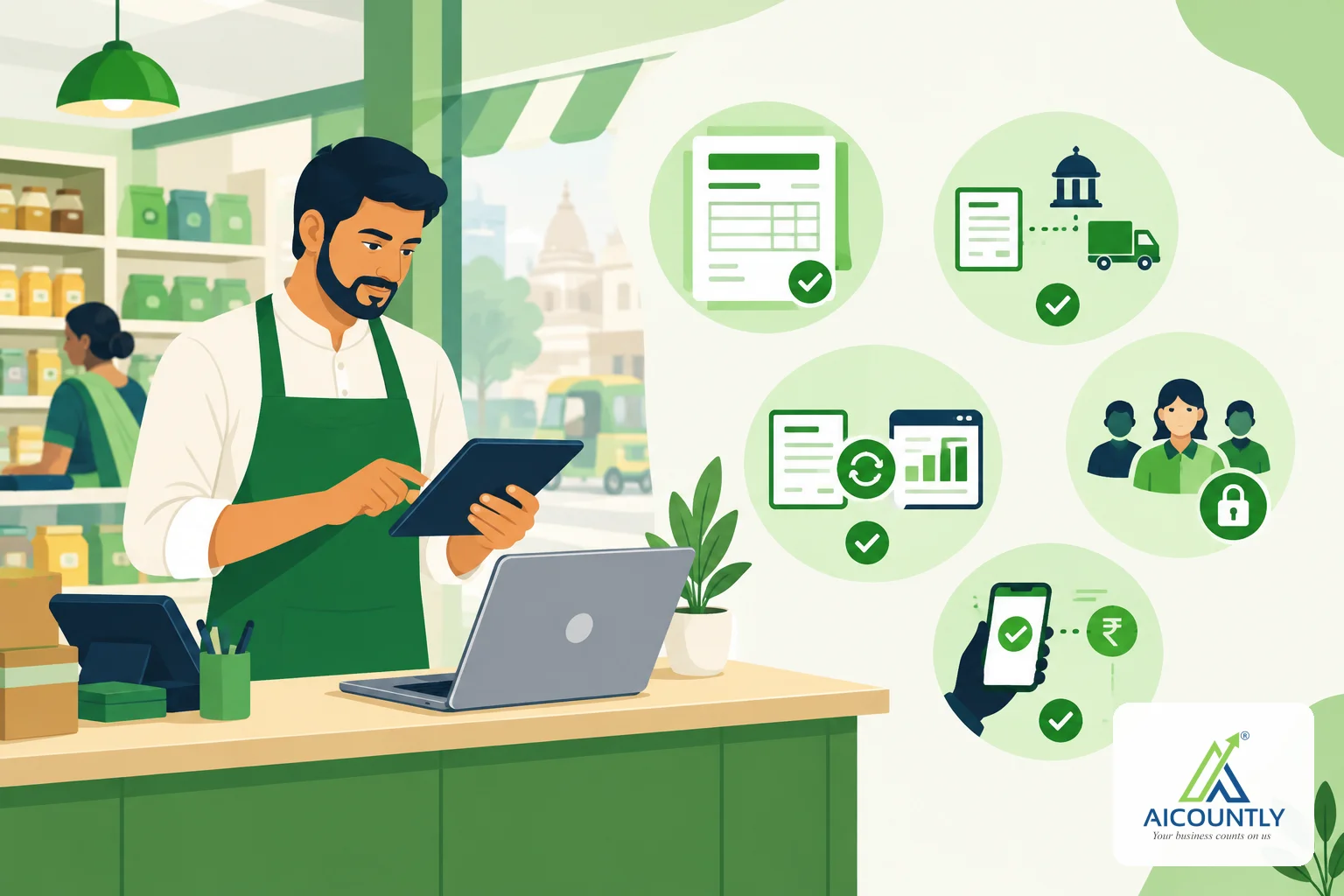
The right GST billing software for a small business in India is the one that produces a correct tax invoice every time, keeps your billing and your books in agreement, and lets counter staff work without seeing what they should not. "Best" depends on how you sell, so instead of a ranking, this guide gives you a practical checklist to test any tool against before you commit.
Use it during a demo or a free sign-up: make a few real bills, a return and a receipt, and see how the software handles each one.
Start with how your business actually bills
Before you compare features, write down three things about your own billing:
- Who raises bills. Is it you, an accountant, or staff at a shop counter? Counter staff need speed and limited access; an accountant needs registers and reports.
- Who you sell to. Mostly registered businesses (B2B), mostly consumers (B2C), or both. B2B buyers check your GSTIN, HSN codes and tax split closely because they claim input tax credit on your invoice.
- How goods move. If you ship goods, e-way bills matter. If your turnover is above the e-invoicing threshold, every B2B invoice needs an IRN.
A tool that fits a services firm can frustrate a trader with a busy counter, and the reverse. Keep this list next to you while you evaluate.
Check 1: does every invoice meet GST rules?
A tax invoice under GST has to carry specific details. Rule 46 of the CGST Rules sets them out; in practice, check that the software prints:
- your name, address and GSTIN, and the buyer's GSTIN when the buyer is registered;
- a unique, consecutive invoice number for the financial year and the invoice date;
- the description, HSN or SAC code, quantity and taxable value of each line;
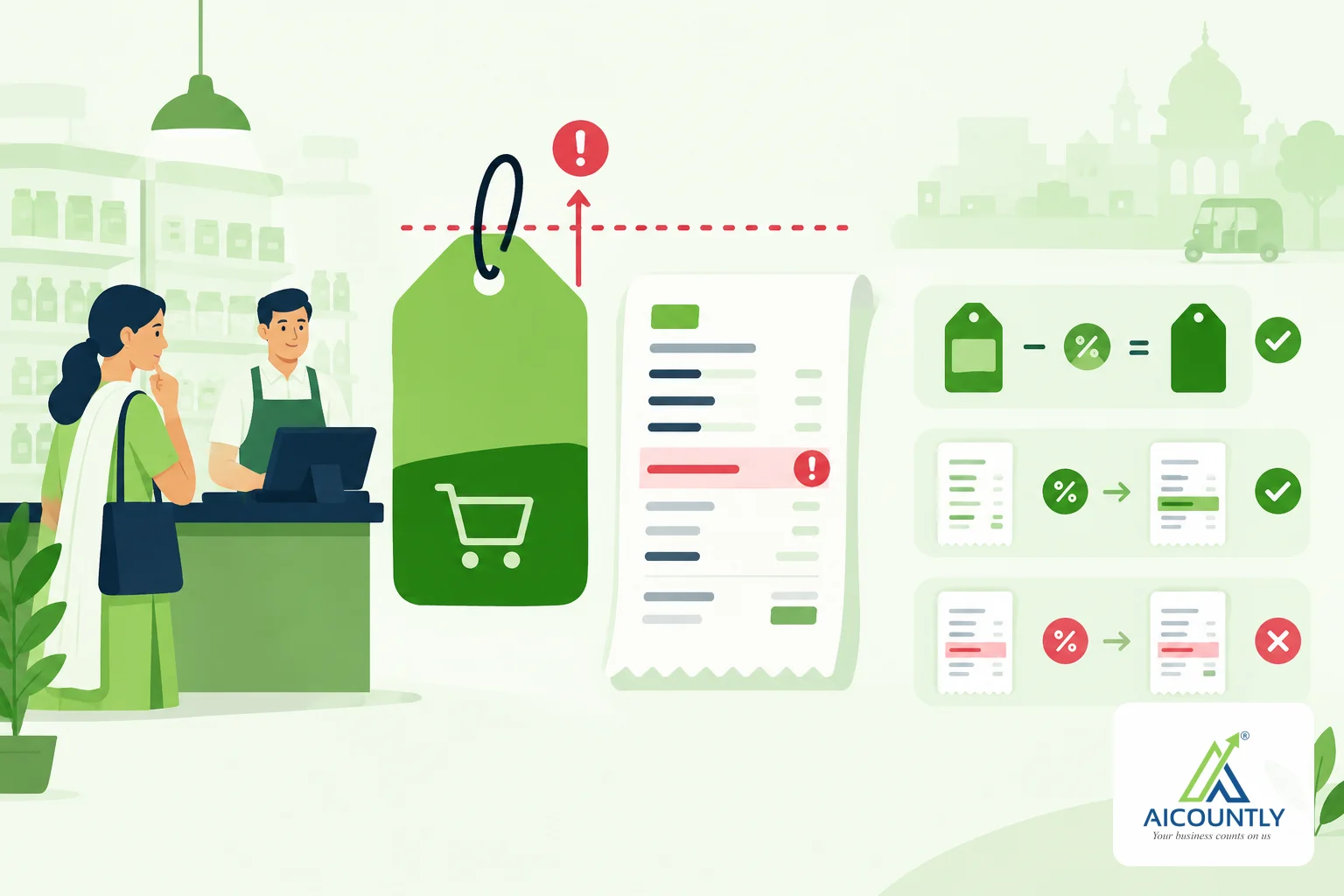
- the tax rate and amount, split into CGST and SGST for an intra-state sale or IGST for an inter-state sale;
- the place of supply for inter-state sales.
Make one intra-state bill and one inter-state bill while you test and confirm the tax split changes correctly. Then ask a simple question: who calculates the tax? If the billing tool and your accounting software each calculate GST separately, small differences in rounding or rates can creep in and show up later as mismatches between GSTR-1 and GSTR-3B. Our GSTR-1 vs GSTR-3B reconciliation checklist shows how much work those mismatches create.
Check 2: e-invoicing and e-way bills
If your aggregate turnover in any financial year since 2017-18 has crossed the e-invoicing threshold (currently ₹5 crore), your B2B invoices must be reported to the Invoice Registration Portal to get an IRN and QR code. Thresholds and reporting time limits change by notification, so confirm the current position on the e-invoice portal or with your CA. Our explainer on who must comply with GST e-invoicing covers the basics.
When you test software, check:
- Can it generate the e-invoice and e-way bill from the same sale you already saved, rather than asking you to type it again?
- What happens to the e-way bill when goods are delayed? You should be able to extend validity without starting over (see how to extend an e-way bill when goods are running late).
- If you are below the threshold today, does the software support e-invoicing for the day you cross it?
Check 3: billing and accounting must not drift apart
The most common pain with separate billing and accounting tools is reconciliation: the billing app says one figure for sales or dues, the books say another, and someone spends month-end finding out why.
Ask during the demo:
- When I save a bill, where is the accounting entry made, and who calculates the GST?
- Are customer balances and dues read from the books, or copied into the billing tool?
- If the internet drops while I save, can the same bill be posted twice?
- Can I raise credit and debit notes against the original invoice, so the link between the two is kept?
Software that keeps one source of truth for vouchers and tax saves you a reconciliation step every month. If you are also evaluating accounting software, read choosing accounting software for GST-registered businesses alongside this checklist.
Check 4: access control for counter staff
At a busy counter, the person making bills often should not see purchase costs, margins or bank balances. Check whether the software lets you set roles that control what each person can see and do, and whether those limits are enforced by the server or only hidden on the screen. A hidden button can still be reached; a server-side permission check cannot.
Also check whether exports (for example, a CSV of all sales) need their own permission. Exports are an easy way for data to leave the business.
Check 5: collections, not just invoices
An invoice is only half the job; getting paid is the other half. Good GST billing software should help you see:
- who owes you money, aged from each bill's own due date;
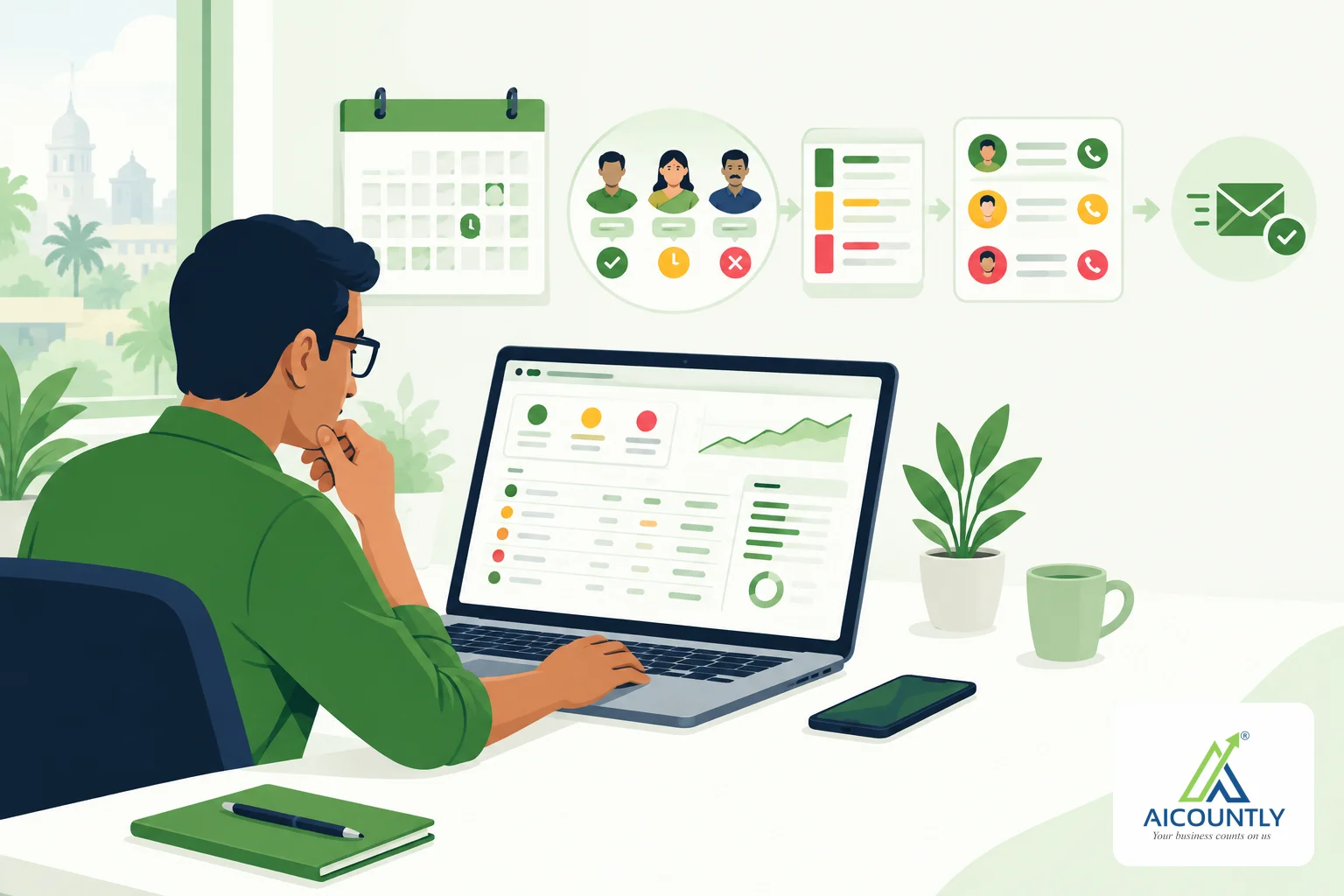
- which customers to chase today, and what they promised;
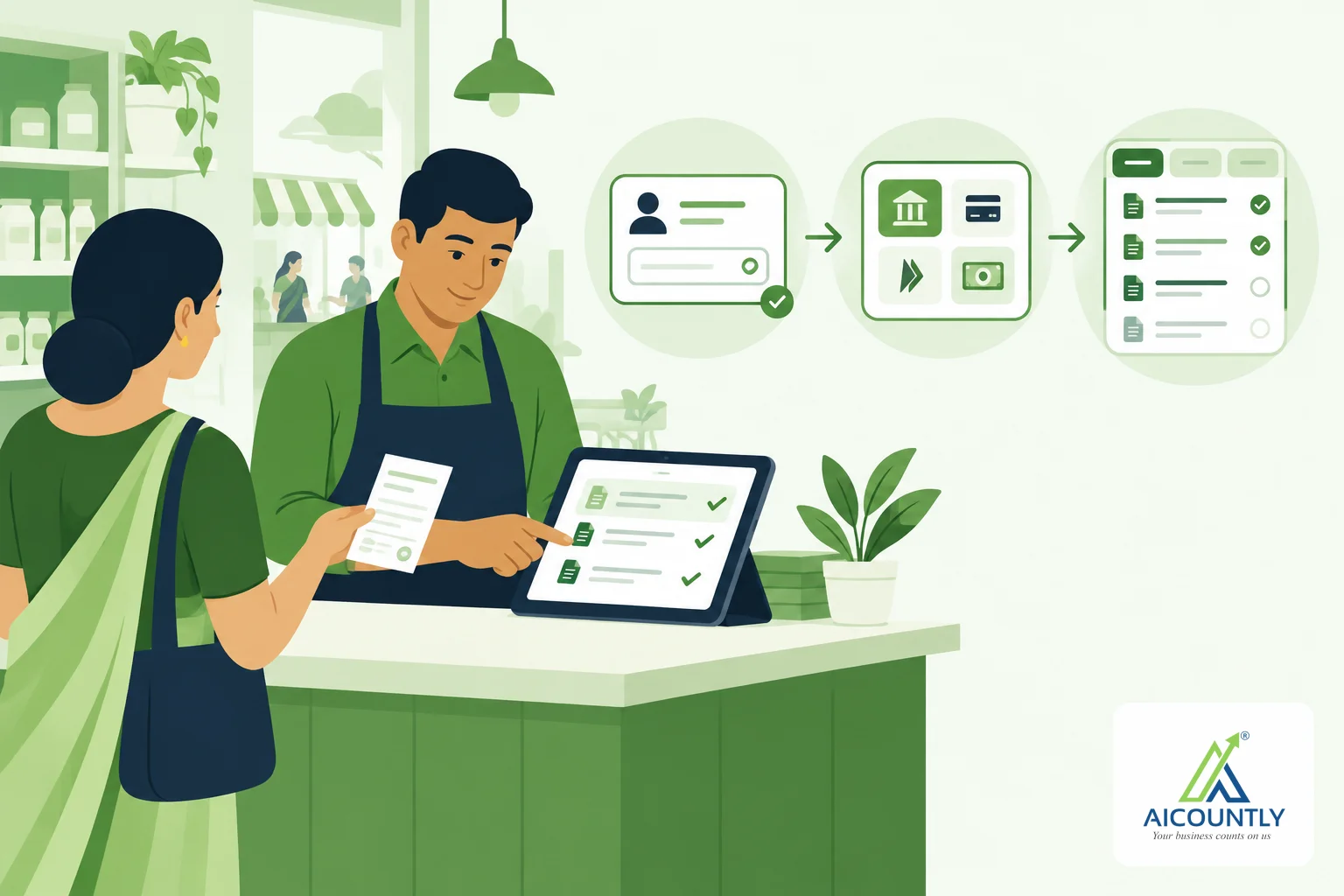
- receipts allocated against specific bills, so outstanding amounts stay accurate.
If you bill the same customer every month (rent, retainers, maintenance contracts), see how recurring bills work. Some businesses prefer a tool that lists the bill as due and lets a person raise it, rather than one that posts invoices automatically without a check.
Check 6: reports you will actually use
At minimum you will want sales and purchase registers, receipt and payment registers, a receivables ageing report and a cash and bank view. Check that reports export cleanly, and that the figures in them match what your accountant sees in the books. For a monthly routine built around the ageing report, see our debtors ageing report guide.
A quick evaluation table
QuestionWhat a good answer looks like Who calculates GST?One system, the same one that posts the accounting entry Intra-state vs inter-stateCGST + SGST or IGST chosen correctly from the place of supply e-Invoice / e-way billGenerated from the saved sale, no retyping Credit and debit notesRaised against the original document Counter staff accessRole-based, enforced on the server Duplicate postingA retry cannot post the same bill twice CollectionsAgeing from each bill's due date, receipts allocated to billsKey takeaways
- There is no single best GST billing software; choose the one that fits how your business bills.
- Test with real bills before you commit: intra-state, inter-state, a credit note and a receipt.
- Prefer tools where the accounting system creates the voucher and calculates GST, so billing and books cannot drift apart.
- Check e-invoice and e-way bill generation, role-based access and protection against duplicate posting.
- Confirm current e-invoicing thresholds and GST rules with the official portal or your CA.
If you want to see one way of doing this, Aicountly Billing works as a layer over Aicountly Smart Books and Inventory: when you save a sales bill, receipt or payment, Smart Books creates the voucher and calculates the GST, e-Invoices and e-Way Bills are generated from a posted sale through Smart Books, Billing profiles control what a counter biller can see, and a retry never posts the same bill twice. You can sign up free at aicountly.com and test it against this checklist with your own bills.