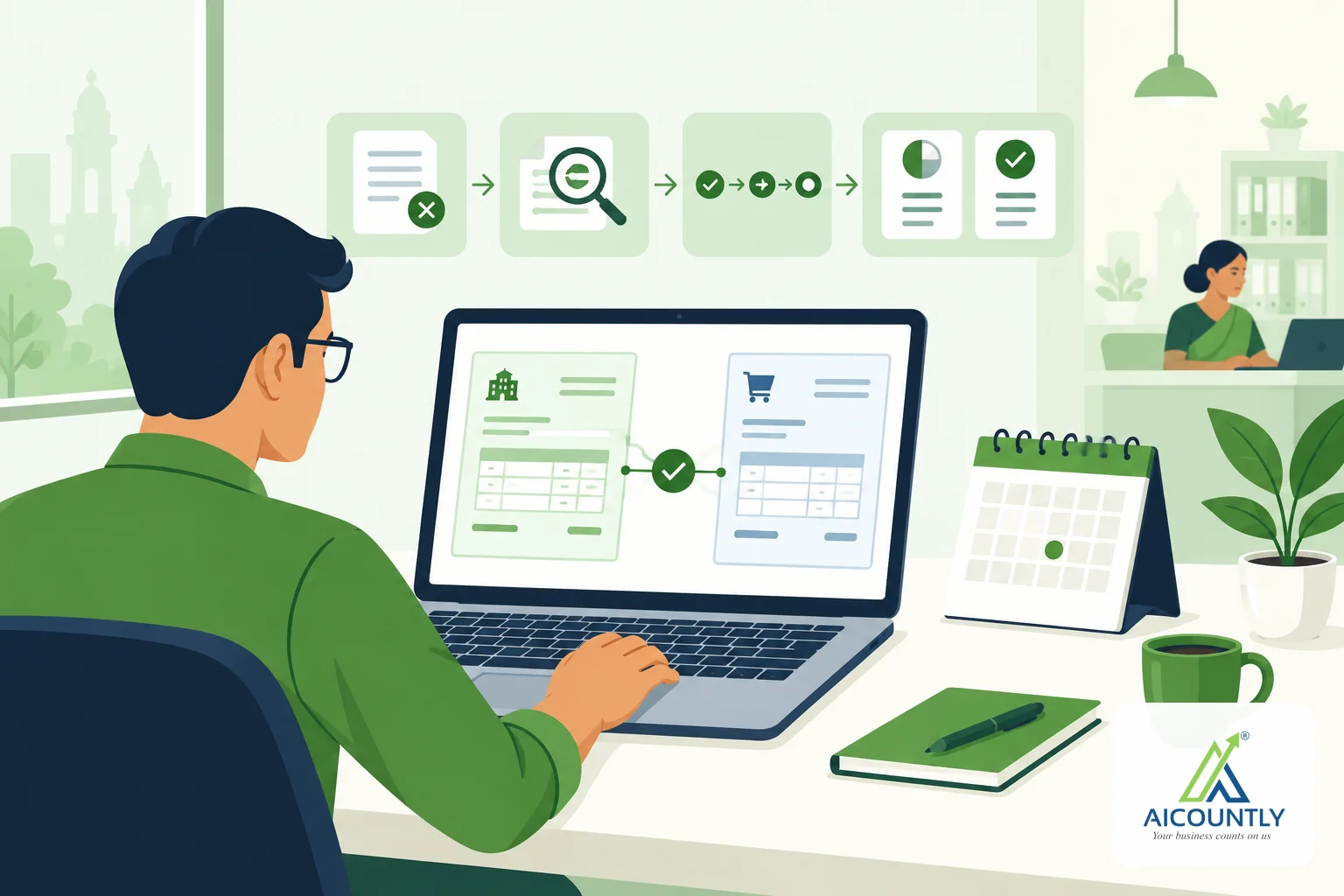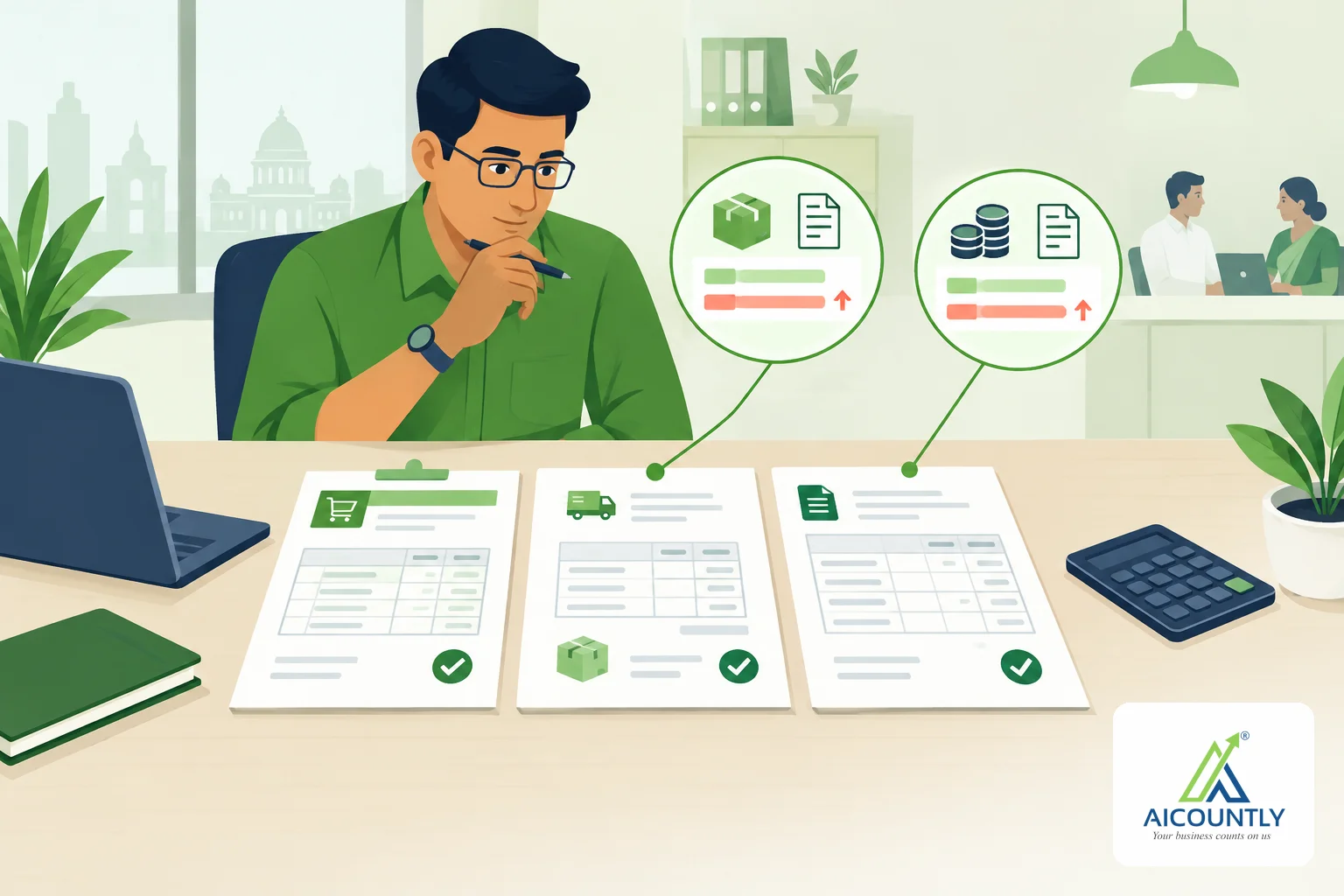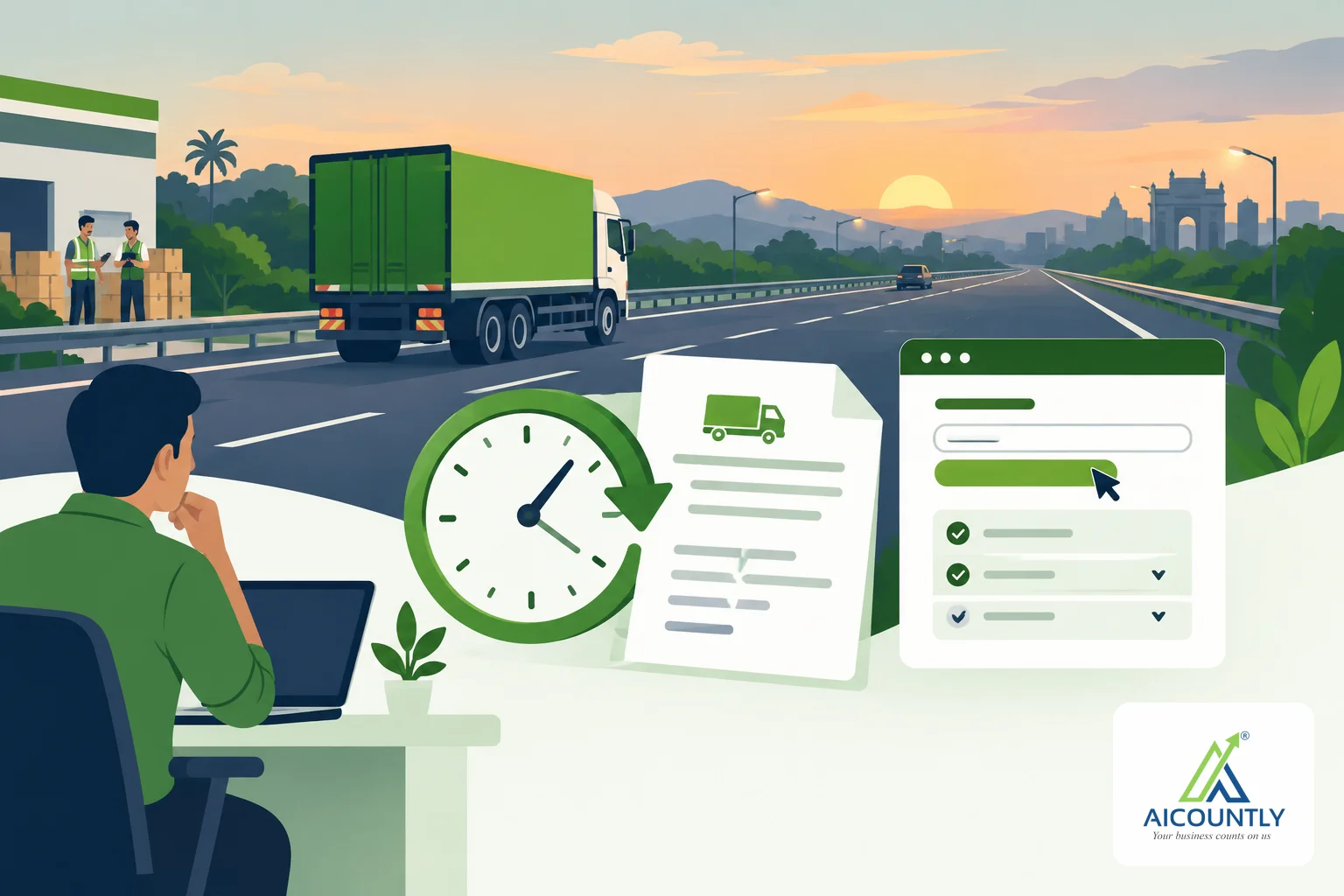
If your truck is running late and the e-Way Bill is about to expire, you can extend its validity on the GST e-Way Bill portal instead of raising a new bill. Billing, the Aicountly invoicing app, now lets you do this from the bill itself. This guide explains when an extension is possible, what the portal asks, and how the screen in Billing works.
Why you extend an e-Way Bill instead of raising a new one
An e-Way Bill is tied to one invoice. Once it has been generated for that invoice, you cannot generate another one for it, and you cannot edit the bill's main details. If the goods are still on the road when the validity ends, the extension is what keeps the movement covered. Our e-Way Bill basics guide explains how validity is counted, broadly by distance. Check the current rule on the e-Way Bill portal.
The timing window: eight hours before to eight hours after
The portal accepts an extension only around the expiry time: from eight hours before the bill runs out until eight hours after. Outside that window the portal refuses the request, and you will need a fresh e-Way Bill against a fresh document. Plan for this in the morning if the vehicle is clearly behind schedule.
Billing shows the same idea on the bill. When an e-Way Bill is close to expiry, the screen shows it as expiring. When it has run out, it shows it as expired.
Where to find the Extend validity button in Billing
- Open the saved bill from your sales list. The e-Way Bill panel sits on the bill's page.
- Check that the e-Way Bill is shown as active, with its number, validity and vehicle.
- When it is expiring or expired, an Extend validity button appears. On an expired bill it is the main button. On an expiring one it is a secondary button.
All your e-Way Bills are also listed in the e-Way Bills register under Compliance, so you can find the ones that need attention without opening each invoice. The same actions are available on each row. For bills Billing did not raise, the row says they are managed in Smart Books.
What the form asks you
The portal asks where the consignment is right now and how far it still has to go. Billing asks for the same things, in this order.
- Where is the consignment? Choose On the move if it is on a vehicle, or Standing still (in transit) if it is parked somewhere.
- Where is it now? The town or city the goods have reached.
- Which state is it in now? Pick the state from the list.
- How much further, in km? The distance still to cover, not the distance already done. Billing accepts a whole number from 1 to 4000.
- Why does it need longer? The reasons offered are Natural calamity, Law and order, Transhipment, Accident and Other.
- Remark is optional.
The last part depends on your first answer, because the portal refuses the wrong details.
- On the move: enter the vehicle number, in a form like KA01AB1234. Billing fills in the vehicle already on the bill, which is nearly always still the one carrying the goods.
- Standing still: choose where it is standing (on the road, in a warehouse or somewhere else) and give the address.
Billing checks these before sending anything. If the place is empty, the distance is not a number or the vehicle number looks wrong, it tells you so on screen instead of letting a portal error use up your attempt.
After you press Extend validity
Billing asks Smart Books to send the request to the portal. When the portal accepts, you see a message that it has given the bill longer, and the new validity shows on the e-Way Bill panel. Billing does not keep its own copy of the e-Way Bill number or validity. It reads them from Smart Books, so you see what is on record.
If the portal refuses, the refusal is shown to you and recorded as refused. Do not keep retrying. Read the reason, and if the window has passed, raise a fresh e-Way Bill.
Related actions on the same panel
- Update Part B: use this when only the vehicle changes, for example after a breakdown and transfer, and you do not need more time.
- Cancel: an e-Way Bill can be cancelled only within 24 hours of generation, and Billing shows how much of that window is left. A bill that can no longer be cancelled is usually corrected with a credit note. See our credit note guide for Billing.
- NIC JSON: download the payload Smart Books filed, which helps when you file by hand on the portal or an accountant asks what was sent.
A simple routine for dispatch day
- Note the e-Way Bill validity when the vehicle leaves.
- Ask the driver for a progress update at the half-way point.
- If delay is likely, open the bill in Billing eight hours before expiry and extend with the real location and the remaining distance.
- Keep the reason honest. The portal and any inspecting officer will compare it with what happened.
Key takeaways
- An e-Way Bill is extended, not regenerated, and the portal accepts an extension from eight hours before expiry to eight hours after.
- Say whether the goods are on the move or standing still, because the portal needs different details for each.
- Give the remaining distance, not the distance already covered.
- Outside the window you need a fresh e-Way Bill against a fresh document.
- Rules and portal behaviour can change, so confirm specifics on the e-Way Bill portal or with your CA.
If you raise e-Way Bills for goods on the road, Billing keeps the extension, Part B changes and cancellation on the bill, so the person at the counter does not need to switch screens.