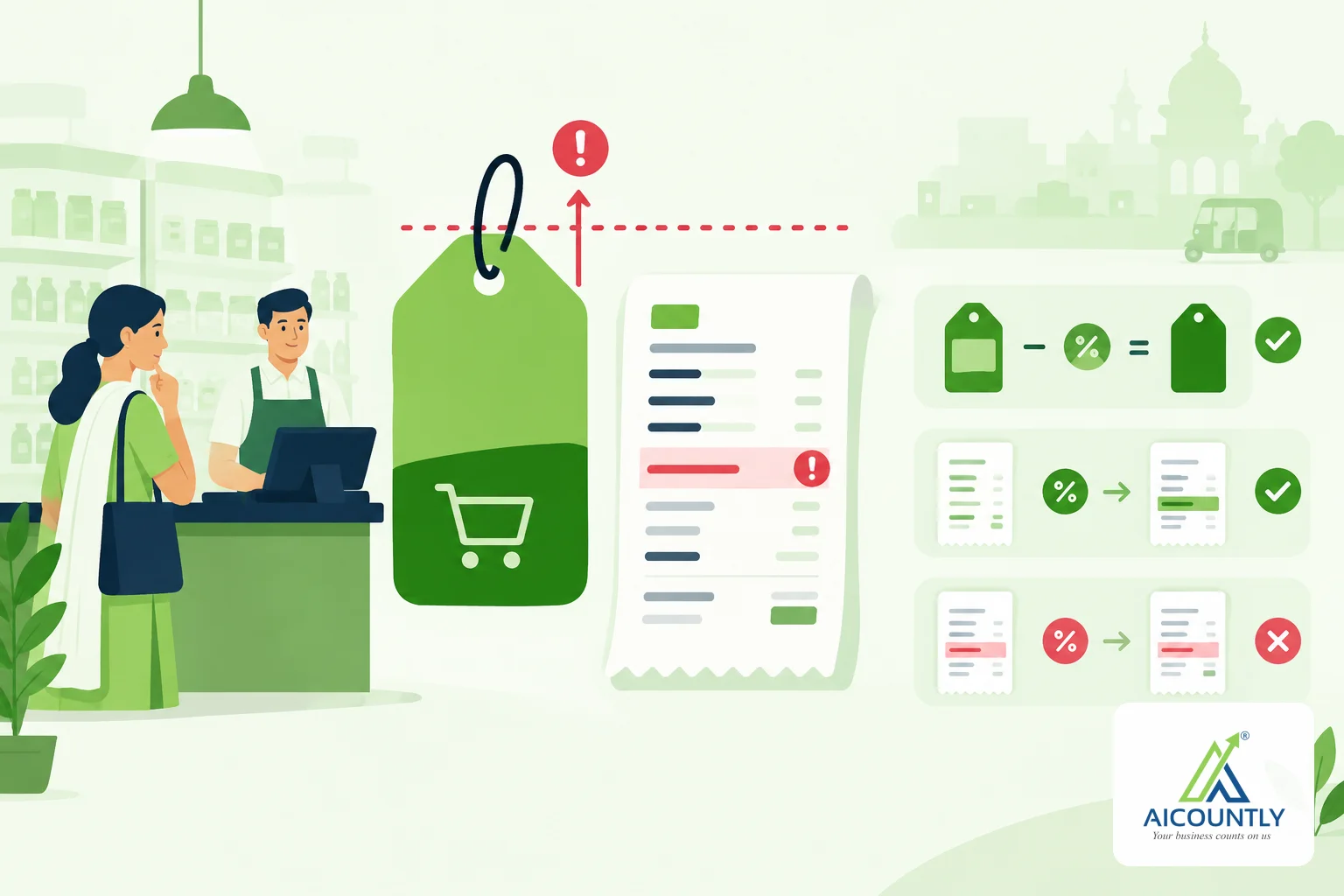
Selling above MRP can happen by accident, and it's a common mistake. MRP is the maximum retail price and it already includes every tax, so a line priced at the MRP and then charged GST on top ends up above the legal ceiling. This guide shows how the mistake happens, how to avoid it, and how Billing lets the company owner decide whether such a bill is warned about or blocked.
Selling above MRP: what MRP means on an invoice
On a pre-packaged product, the MRP printed on the pack is the maximum price a customer can be charged for that pack, and it is inclusive of all taxes. In practice that means GST is inside the MRP, not added after it. A shop that sells a pack with an MRP of Rs 120 should not collect more than Rs 120 per unit from the customer, whatever the GST rate is.
Selling above the MRP can attract action under the legal metrology and consumer protection rules. Those rules and penalties change, so check the current position on the official Legal Metrology and consumer affairs sites, or ask your CA or legal adviser, before you rely on this article for a specific case.
How a bill ends up above the MRP
The usual cause is an MRP typed into the rate column as if it were a price before tax. Take an item with an MRP of Rs 120 and 18% GST:
StepAmount (Rs) Rate typed on the line (the MRP, treated as before-tax)120.00 GST at 18%21.60 Customer is charged, per unit141.60 MRP on the pack120.00The customer has paid Rs 21.60 more than the pack allows. Two other routes lead to the same place: a staff member with permission to override rates types a higher price, or a repeat bill is copied from an old one without checking the item's current MRP.
The right way: take GST out of the MRP, do not add it
If the item is sold at its MRP, the taxable value is worked backwards. For Rs 120 at 18%, the taxable value is about Rs 101.69 and the GST about Rs 18.31, which together come to Rs 120.00. The customer still pays the MRP, and your tax invoice shows the right split. If you are unsure which document to issue, our guide on the tax invoice, bill of supply and delivery challan explains it, and the Rule 46 checklist lists the fields every tax invoice needs.
Discounts only help if they come off the right figure
A discount is a reduction from the price the customer would otherwise pay. If a line is at the MRP and you give a discount, the customer pays less than the MRP and you are safe. If a line is wrongly priced at Rs 141.60 and you give a 10% discount, the unit price becomes about Rs 127.44, which is still above the MRP of Rs 120. So the check that matters is the final price per unit, including GST and after the discount, compared with the MRP.
How Billing handles a bill above the MRP
Billing compares each sales line with the MRP of the item. From the Billing code, the comparison is done for one unit, with GST and cess included and after the discount. What you see depends on the choice the company owner has made in Settings, under Invoice & Document Settings:
- Allow with a warning (the default): the bill can be saved. The line is marked with a message such as "Rs 141.60 is above the MRP of Rs 120.00", and when you press Save, Billing lists the lines above their MRP and asks you to confirm with "Save anyway" or "Go back".
- Do not allow: a bill with any line above its MRP is not saved, whoever is billing. The line says that the company does not allow bills above the MRP.
- Warn when a price is above the MRP: an On/Off choice that applies while bills above the MRP are allowed. Turning it off removes both the mark on the line and the question before saving.
On a marked line there is also a "Bill at MRP" button that sets the rate to the MRP, including GST, and clears the discount. Items that have no MRP are not checked.
Only the owner of the company can change these settings. Other users can see them, read-only, so they know why a bill asked a question or would not save. Changes are also recorded in the audit trail.
Which setting should you choose?
It depends on how you sell. A retail counter that sells packaged goods will usually want Do not allow, because there is no good reason to charge above the MRP. A business that sells some items as services or in loose quantities, or buys and re-labels goods, may prefer the warning so that staff can still save a bill after thinking twice. Whichever you choose, keep the MRP updated on the item so that the check compares against the right figure.
A short routine for every retail bill
- Check that the item has its current MRP recorded.
- Price the line as GST-inclusive when you are selling at the MRP.
- Read the final unit price after discount and GST, not just the rate column.
- If a customer returns goods or a price was wrong, fix it with a credit note, as described in our guide to raising a credit note in Billing.
Key takeaways
- MRP includes all taxes; GST comes out of it, not on top of it.
- Rs 120 plus 18% GST is Rs 141.60, which is above a Rs 120 MRP.
- Compare the final unit price, after discount and with GST, to the MRP.
- In Billing the owner chooses to allow with a warning or to block such bills.
- Confirm the current legal metrology position with an official source or your adviser.
If you bill retail goods, Billing can mark or stop a line above its MRP before the bill reaches the customer, with the choice left to the company owner. This article is general guidance, not legal advice.