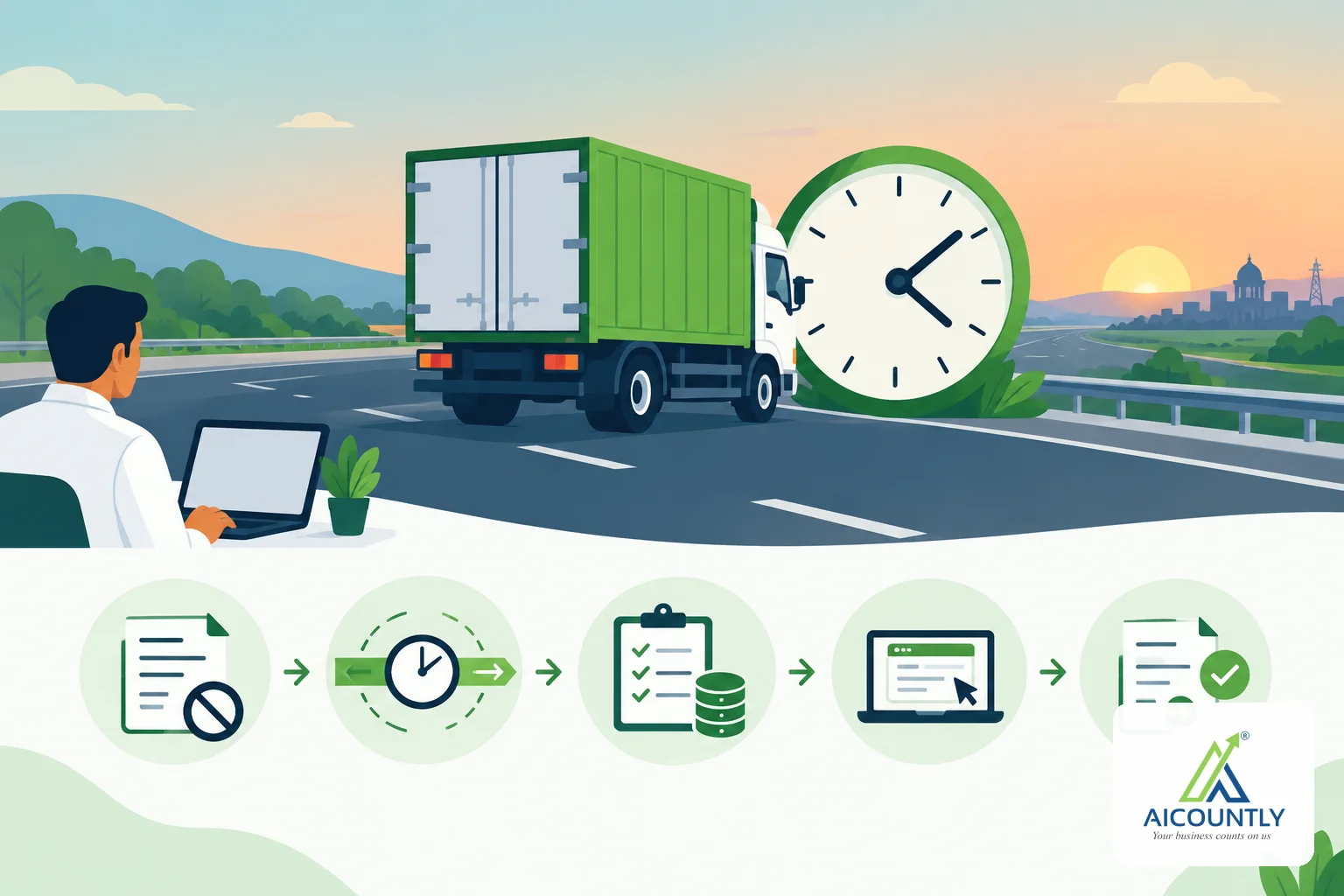
If an e-way bill runs out while your goods are still on the road, you can ask the portal to extend its validity, but only in a narrow window around the expiry. You cannot generate a second e-way bill for the same invoice. This guide explains how to extend an e-way bill, what details you need and what to do when the window is missed.
Why you extend instead of generating a new bill
An e-way bill is tied to the document it was raised for. Once an invoice already has an e-way bill, the portal will not let you raise another one against it. The bill also cannot be edited to move its date forward. That is why the portal offers one specific action for this situation: extending the validity.
Validity is set when the bill is generated and depends on the distance and the type of cargo. The rules on how much validity a given distance earns, and on any special cases, are in the CGST Rules (rule 138). Check the current text on gst.gov.in rather than relying on an old rule of thumb, because the distance-per-day figure has changed over the years.
The window: eight hours before to eight hours after
The portal accepts an extension request only around the expiry time. As the portal currently applies it, you can request it from eight hours before the bill runs out until eight hours after. Outside that window the portal refuses the request. Confirm the current window on the official portal or with your CA, since it is set by the authorities and can be revised.
- Before expiry: extending early is the safest, because the goods are never on the road without a valid bill.
- Just after expiry: still possible within the window, but the vehicle is travelling on an expired bill in the meantime.
- Window missed: the portal refuses the request. Speak to your CA or transporter about the next step before the goods move further. Do not try to raise a new bill against the same invoice.
What you need to have ready
The portal asks where the consignment is now and how far it still has to go. Keep these details handy:
- The town or city the goods have reached, and the state it is in.
- The distance still to be covered, in whole kilometres (not the distance already done).
- If the goods are on a vehicle: the vehicle number, which may be the one on the bill or the one the goods were moved to.
- If the goods are standing still (for example in a warehouse or at a transhipment point): the type of place and its address.
- The reason the goods need more time, picked from the portal's own list, with an optional remark.
The two cases matter. A consignment on the move needs a vehicle number. One that is standing still needs an address instead. Sending the wrong half is refused, so decide which applies before you start.
Step by step on the portal
- Check the bill's valid-upto date and time against the clock, and note whether you are inside the eight-hour window.
- Open the e-way bill and choose the extend-validity option.
- Say whether the consignment is in movement or in transit.
- Enter the current place, state and remaining distance.
- Enter the vehicle number (in movement) or the address (in transit).
- Choose the reason, add a remark if useful, and submit.
- Note the new validity shown on the bill and tell the driver.
How Billing handles it
If you raise your e-way bills from Billing, the e-way bill panel on an invoice shows an Extend validity button when the bill has run out or is within a day of running out. The form asks for exactly the details above: whether the consignment is on the move or standing still, where it is now, which state, how many kilometres remain, and the vehicle number or standing address. It pre-fills the vehicle already on the bill, and it checks the vehicle number format before sending. The form also reminds you of the eight-hours-either-side window. When the portal accepts the request, the new validity appears on the bill.
Smart Books also carries the same extension capability for e-way bills it manages, so a bill raised there can be extended without leaving the product.
Avoiding the problem next time
- Plan the journey against the validity, not just the distance. Breakdowns, traffic and weather eat the margin.
- Ask the transporter to flag any delay as soon as it happens, not at the expiry time.
- Make sure the invoice type is right before generating the bill. See our guide on the bill of supply vs tax invoice.
- Keep an eye on your wider monthly deadlines too, such as GSTR-3B on the 20th.
Key takeaways
- A bill that has run out cannot be regenerated or edited; you extend it instead.
- The portal takes an extension from about eight hours before expiry to eight hours after.
- Have the current place, state, remaining distance, vehicle or address and a reason ready.
- If the window is missed, consult your CA or transporter rather than improvising.
Billing puts the extension form on the invoice itself, so the person handling the delay does not need to re-key the bill's details. This is general guidance, so confirm specifics for your case with a CA.