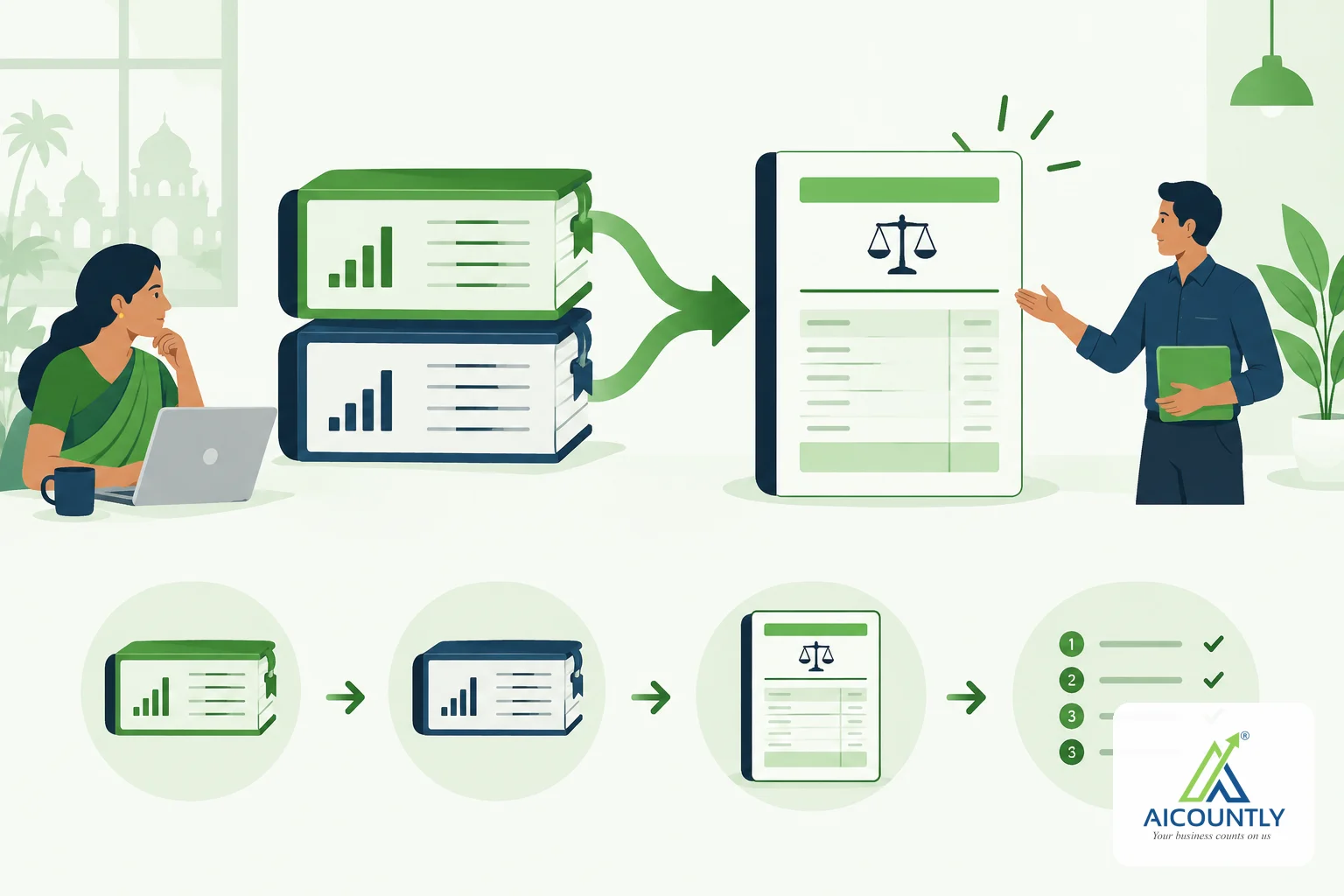
Aicountly is an Indian finance and compliance platform from Aicountly Interactive Services Private Limited, based in Chandigarh. It brings accounting, billing, stock, notes, documents and company set-up under one sign-in, so your team works from the same company, branch and financial-year details instead of re-typing them in every tool.
What is Aicountly, in plain words?
Think of Aicountly as a set of connected apps rather than one large program. Each app does one job well, and a shared layer keeps the basics consistent. You sign in once on my.aicountly.com and open the apps your business needs. The company says it serves Indian businesses, CA firms, company secretaries and HR teams.
You can read the company's own description on the About page and the Platform page.
The shared layer: one sign-in and one set of company details
The point of a platform is that you do not set up your company again and again. In Aicountly, Manage holds the company master: companies, branches, the head office, financial years and business IDs. Other apps use that context. If you have a branch in Ludhiana and one in Pune, you add them once.
If you want to see how that works day to day, read our guides on financial years and branches in Manage and on workspace team and company users.
The apps you can use today
Aicountly's pricing page lists Smart Books, Inventory, Billing, Notes and Drive among the live apps, with Manage for company set-up. In short:
- Smart Books is the accounting app: vouchers and ledgers, the balance sheet and profit and loss, and dashboards. See bank reconciliation in Smart Books for a worked example.
- Billing covers bills, receipts and collections, posted into Smart Books.
- Inventory tracks items and stock across warehouses.
- Notes is for team notes, reminders and checklists, such as a monthly compliance checklist.
- Drive stores and shares documents, with sharing controls for people such as your CA.
- Manage is the company, branch and financial-year hub described above.
Beta products: early access, not finished software
Aicountly also lists other products, such as HRMS, Auditor, Calendar and CRM, as Beta. Beta means early access. Features can change, so test them before you rely on them for something critical. If you are choosing software for your books today, start with the live apps and treat Beta products as previews.
Is Aicountly free?
The pricing page says the live apps are free to get started on one Aicountly account, with paid plans available on request for growing teams, firms and multi-entity groups. Because plans and terms can change, check the pricing page for the current position rather than relying on this article.
How to start without disrupting your books
- Create your account and add your company, branch and financial year in Manage.
- Pick one job to move first, such as invoicing in Billing or bank reconciliation in Smart Books.
- Run it alongside your current method for one month and compare the closing figures.
- Invite your CA with the right access level before you move more work across.
Moving one process at a time keeps month-end filings such as GST and TDS on schedule while you learn the tool. Our GST filing checklist is a good yardstick for that comparison.
Key takeaways
- Aicountly is a connected set of finance and compliance apps with one sign-in.
- Manage holds company, branch and financial-year details for the other apps.
- Smart Books, Billing, Inventory, Notes and Drive are the live apps; other products are Beta.
- Move one process at a time and check the pricing page for current terms.
If this matches how you want to work, you can explore the live apps from the platform overview. As always, confirm tax and compliance specifics with your CA.