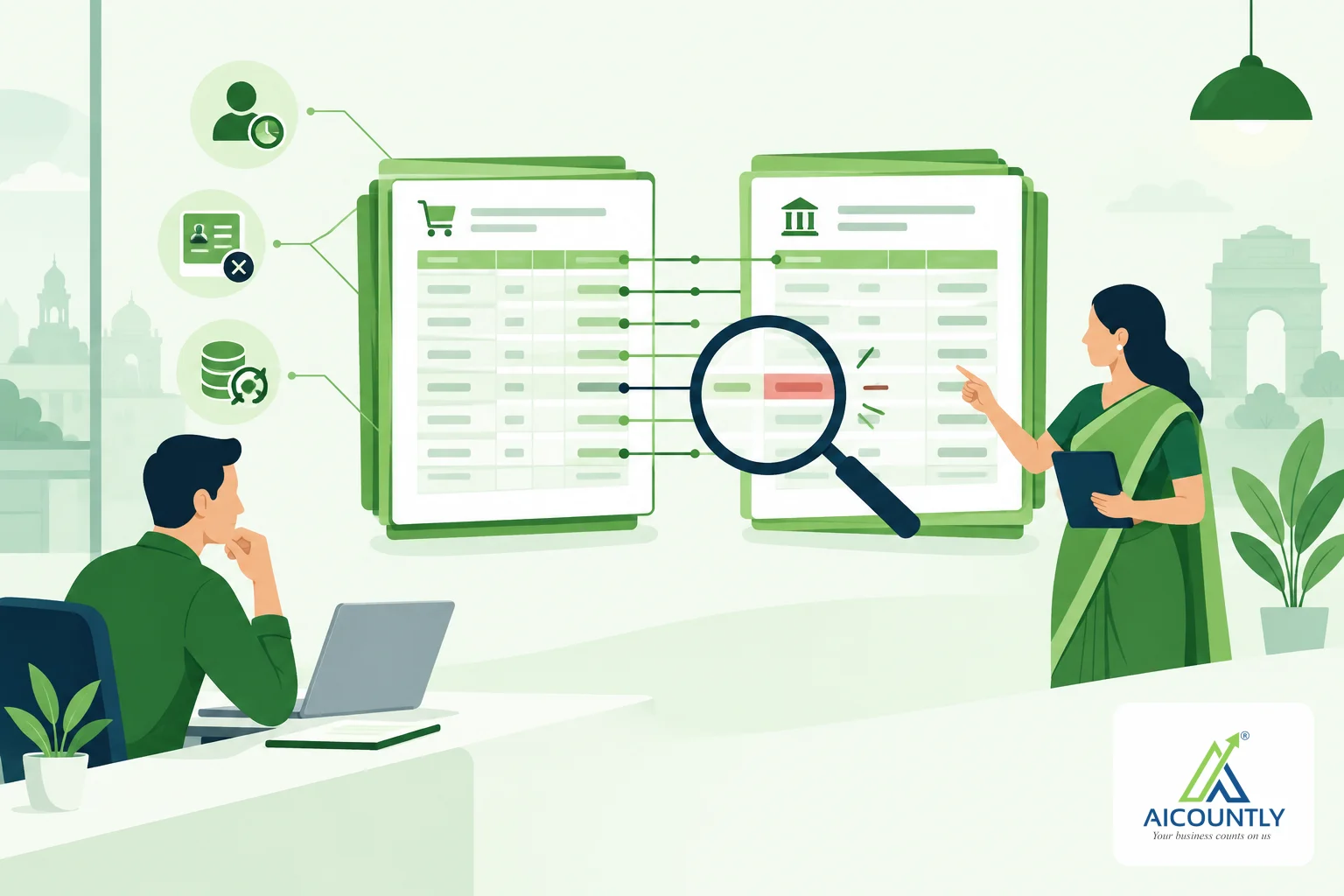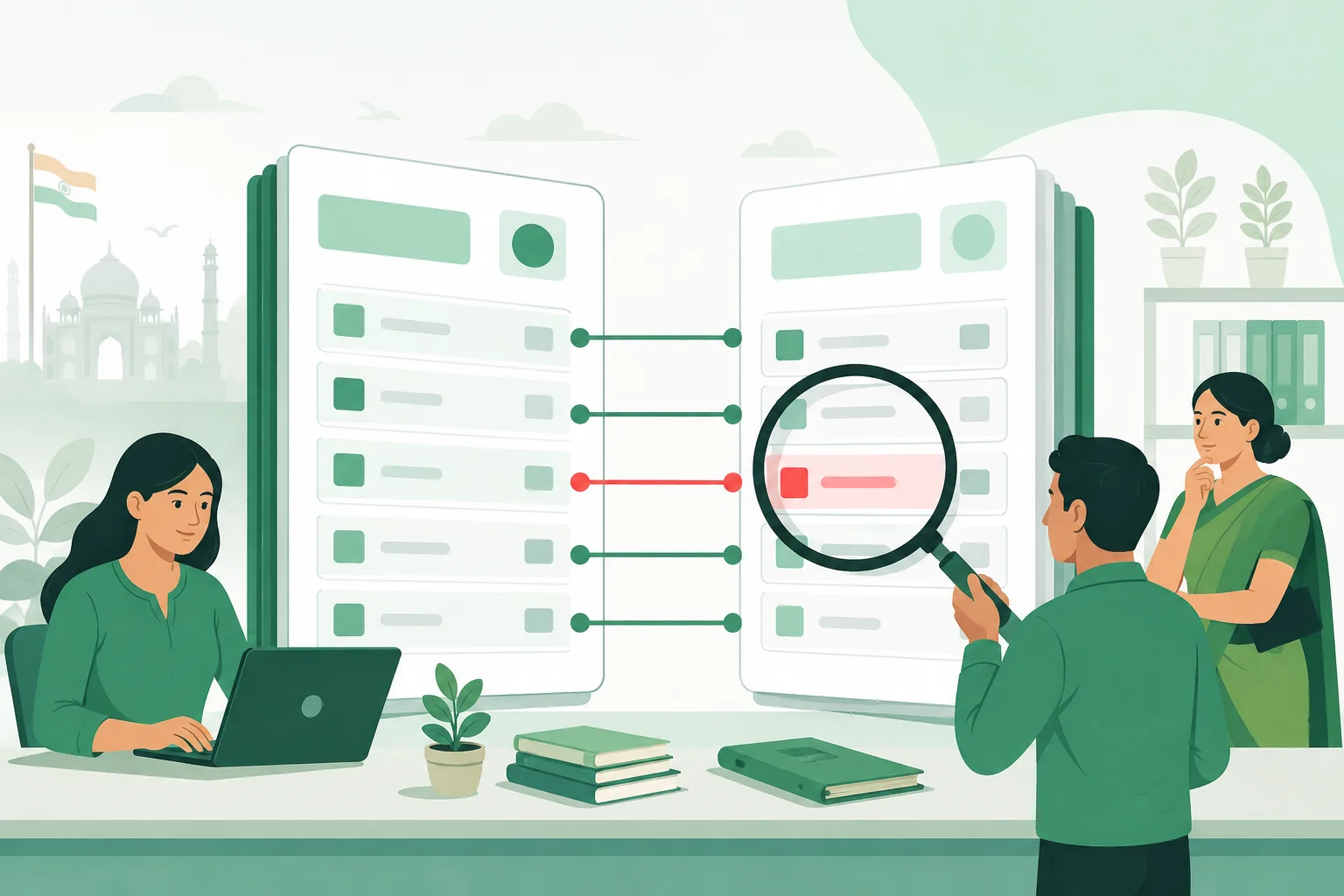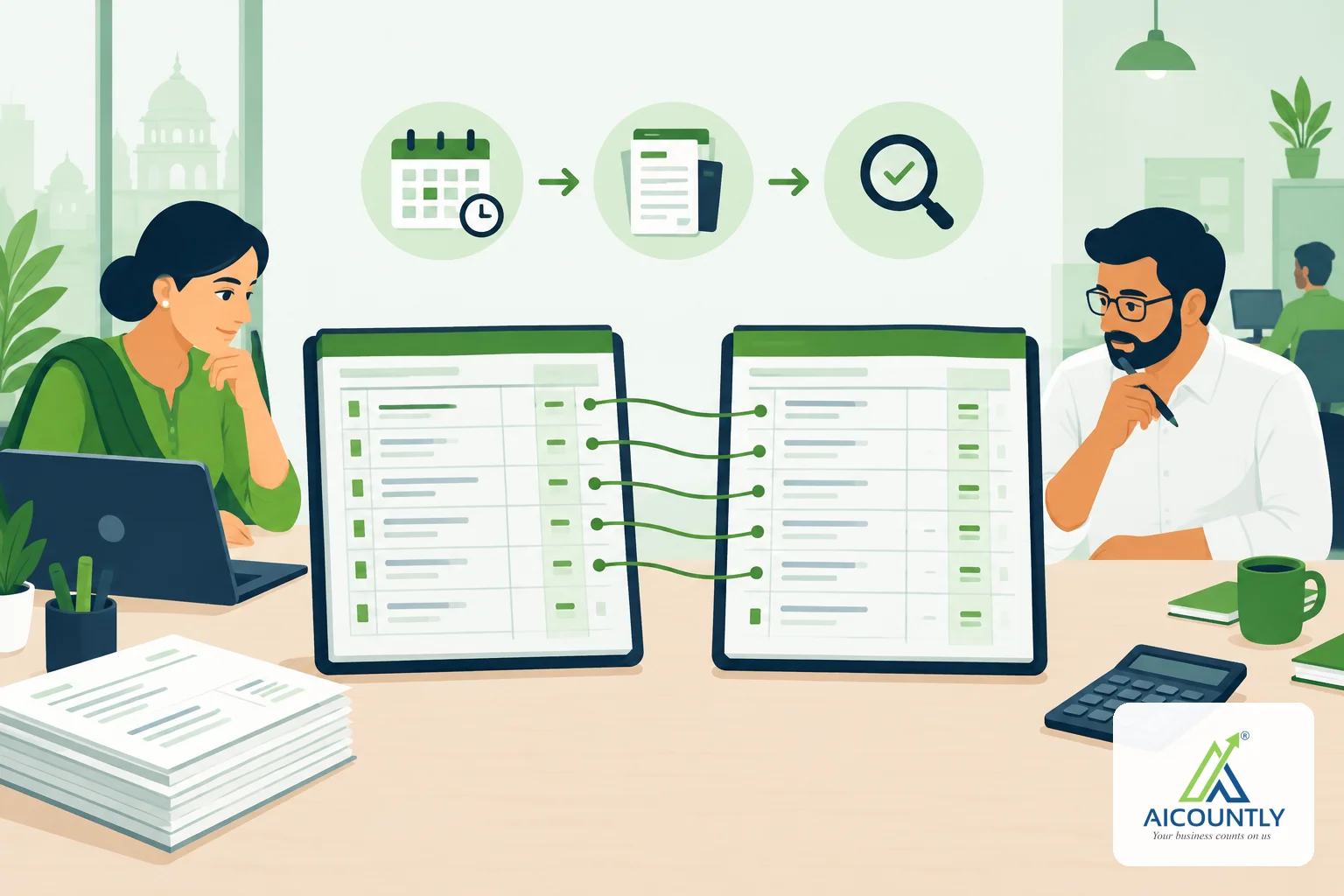
GSTR-2B reconciliation means matching the purchase invoices in your books with the invoices your suppliers have reported in your auto-drafted GSTR-2B, so you claim input tax credit (ITC) only on what is supported. Do it before you file GSTR-3B, not after: a mismatch found on the 19th is a problem, the same mismatch found on the 14th is a phone call.
Why GSTR-2B reconciliation matters before GSTR-3B
GSTR-2B is a static statement generated for each month from what your suppliers report in their GSTR-1, IFF and GSTR-5. Under section 16(2)(aa) of the CGST Act, ITC can be availed only if the invoice or debit note is reflected in your GSTR-2B. So the statement is the reference point for how much credit you can safely take in GSTR-3B.
Your purchase register and GSTR-2B will rarely agree on their own. Reasons range from a supplier filing late to a typing error in a GSTIN. Reconciling each month keeps the gap small and stops you from carrying unexplained differences into the year-end. If you also want to understand the cost of getting this wrong, read our worked example on late fee and interest on GSTR-3B.
Step 1: Fix your timeline
GSTR-2B for a month is usually available on the GST portal around the 14th of the following month, and GSTR-3B is usually due on the 20th (the date can change for QRMP filers and by notification, so check the portal for any extension). That leaves about five or six days. Plan like this:
- By the 10th: all purchase bills for the month are entered in your books, including debit and credit notes.
- On the 14th or soon after: download or sync GSTR-2B and run the match.
- By the 17th: chase suppliers whose invoices are missing and decide what to claim.
- By the 20th: file GSTR-3B with the ITC you have settled.
Step 2: Get both sides ready
Before matching, clean the books side. Check that every purchase bill has the supplier's correct GSTIN, invoice number, invoice date and tax split (CGST, SGST or IGST). Most mismatches are not tax disagreements but data errors: an extra zero in the invoice number, a bill booked in the wrong month, or a supplier GSTIN typed against the wrong party.
On the portal side, download the GSTR-2B for the right period and note the sections it covers: B2B invoices, debit notes, credit notes, import of goods and ISD credit, plus any amendments.
Step 3: Match invoice by invoice
Match on a short list of fields and in a fixed order:
- Supplier GSTIN
- Invoice or note number
- Invoice date
- Taxable value
- Tax amounts (IGST, CGST, SGST, cess)
Allow a tolerance for rounding of a few rupees, and mark each line in one of four buckets:
ResultWhat it meansWhat to do MatchedSame invoice, same amounts in books and GSTR-2BClaim the ITC Partly matchedInvoice found, but value, tax or date differsFind which side is wrong, then correct your books or ask the supplier to amend In books, not in GSTR-2BSupplier has not reported it, or reported it in a later monthHold the ITC and follow up with the supplier In GSTR-2B, not in booksYou have not entered a bill the supplier reportedCheck whether the purchase is genuine, then book itStep 4: Handle missing supplier invoices
The "in books, not in GSTR-2B" bucket is the one that needs actual work. Do not claim ITC on those invoices in the current month. Group them by supplier rather than by invoice, because it is easier to send one message listing five invoices than five separate emails. Start with the suppliers where the tax amount at stake is largest, and note suppliers who file late month after month; they are the ones to chase first, every month.
Keep a simple log of who you contacted, when, and what they promised. Once the supplier reports the invoice and it shows up in a later GSTR-2B, you can claim it in that month's GSTR-3B, subject to the time limit in section 16(4). We explain that deadline in ITC time limit under Section 16(4).
Step 5: Handle invoices in GSTR-2B but not in your books
Sometimes the portal shows an invoice you never booked. It may be a genuine purchase whose bill reached your accounts team late, or it may be wrongly reported against your GSTIN. Do not simply claim it. Confirm that you actually received the goods or services, check the bill, then book it. If it is not yours, ask the supplier to correct it.
Step 6: Decide the ITC you will claim in GSTR-3B
Your claim for the month is the ITC on matched invoices, plus partly matched invoices once the difference is resolved. Keep anything you could not resolve out of the claim, and write down why. Remember also that ITC is not available on certain items blocked under section 17(5), and that ITC on a purchase needs the conditions of section 16 to be met, including receipt of goods or services and payment to the supplier within the time the law allows. For rules in your specific case, confirm with your chartered accountant.
Common reasons for mismatches
- Supplier filed GSTR-1 after the cut-off, so the invoice appears next month.
- Supplier is a QRMP filer who has not used the Invoice Furnishing Facility, so invoices appear only quarterly.
- Invoice number typed differently, for example with leading zeros or a prefix.
- Wrong GSTIN of the supplier or of your own branch in the books.
- Credit or debit note booked in your books but not reported by the supplier.
- Amendments by the supplier to an earlier invoice.
Key takeaways
- Reconcile purchases with GSTR-2B every month, before you file GSTR-3B.
- Claim ITC only on invoices that appear in your GSTR-2B and meet the other conditions of section 16.
- Clean your own data first; many mismatches are typing errors.
- Chase suppliers in one batch, largest tax exposure first.
- Keep a written record of unresolved differences and why you left them out of the claim.
If you do this in Aicountly's Smart Books, the GST reconciliation screen compares your purchases with GSTR-2B, and a supplier chase list groups the exceptions by vendor, so the month-end routine above becomes a repeatable check rather than a spreadsheet exercise. Our guide to mapping a GSTR-2B invoice in Smart Books shows the matching step in detail. This article is general guidance, so confirm specifics with a CA.